mirror of
https://github.com/jackyzha0/quartz.git
synced 2025-12-25 13:54:05 -06:00

51 lines
3.9 KiB
Markdown
51 lines
3.9 KiB
Markdown
---
|
|
title: Obsidian
|
|
---
|
|
|
|
## What is Obsidian?
|
|
Simply put, it's a note-taking application. Its main advantages are that it works on local [[markdown]] files and allows connections between notes through so-called 'wiki links'. Based on these, it can build content maps.
|
|
|
|
## How do I use Obsidian?
|
|
For one purpose only: Developing this project, the so-called Digital Garden. With the help of the [Quartz](https://quartz.jzhao.xyz/) project (based on the Hugo framework), I am publishing these notes in the brain.overment.com domain.
|
|
|
|
### Rules
|
|
Although I have read most of the material from people like Tiago Forte, at the same time I have developed most of the principles of note development in Obsidian on my own. In my opinion, Tiago does a great job of organizing the topic but his system is too complex for me. We are certainly different in many ways, so my process had to be tailored to me.
|
|
|
|
**Principles are.
|
|
- When I write about something and a keyword falls on which I want to say more, I mark it with a link.
|
|
- I use a simple directory organization, that is:
|
|
- Foundations - my basis for functioning
|
|
- Optimization - my optimization techniques
|
|
- Knowledge - what I know
|
|
- and Projects - what I do
|
|
- In case I see that a topic takes into account many related issues I create a summary note, which is a collection of likenesses to all topics. According to Tiago, among others, this is called a ToC - Table of Contents.
|
|
- I create content about what I want to explore or what is important to me at the moment. Often the trigger is when someone asks me a question and I see it repeated often, so it would be better to write a note about it instead of answering individually.
|
|
|
|
And that's it. There is nothing beyond that.
|
|
|
|
### Automation
|
|
To work with Obsidian, I use [[Optimization/Tools/Keyboard Maestro]] and my [[Projects/Design Maestro]] macros. These enable me to primarily:
|
|
|
|
- Quickly open selected notes (x-scheme-url e.g. obsidian://open?vault=content
|
|
- Quickly add content (Keyboard Maestro, action Append text to a File)
|
|
- Adding links to very popular topics (as above)
|
|
- making global changes to notes (with the help of [[Regex]])
|
|
- Metadata updates (e.g., time of last file edit interpreted by Quartz)
|
|
- templates for adding notes (text expander)
|
|
|
|
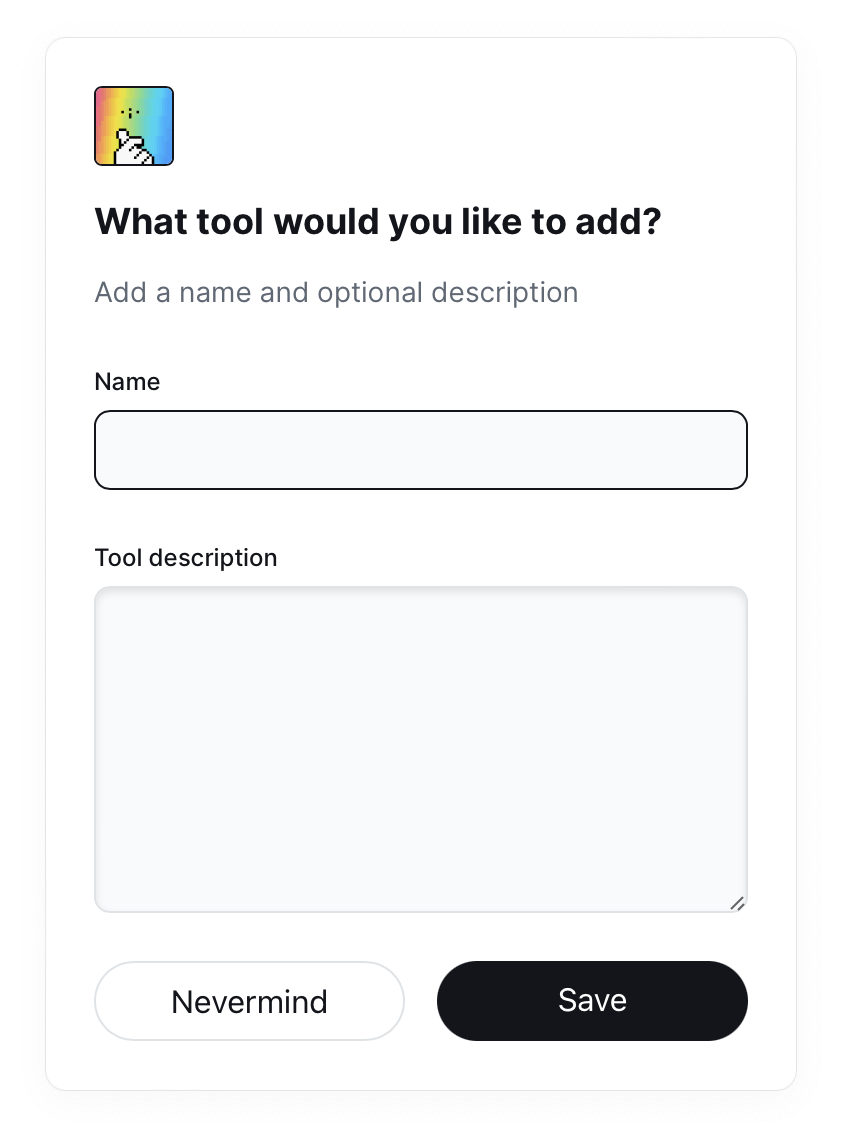
An example of using Deisgn Maestro - quickly adding new tools. Executing this macro adds the tool to the ToC list and creates a new note. A link to it goes to the clipboard, so I can open Obsidian very quickly if necessary and if not, I don't have to divert from the task at hand:
|
|
|
|
The above macro is not part of [[Projects/Design Maestro]] and was prepared for my needs. I have analogous macros for Books, Automation or Mental Models.
|
|
### Publication of notes
|
|
My `vault` is also a repository [[Knowledge/Programming/git/git]]. This means that my notes are stored not only locally on my computer but also in the aforementioned repository.
|
|
|
|
At the same time `vault` is placed inside the aforementioned application prepared based on the Quartz project, with the help of which I generate HTML pages and publish them on brain.overment.com with the help of [[Github Actions]] automation.
|
|
|
|
I have shown the process of configuring Quartz in detail in a video available at [[Projects/Ahoy!]] [Read entry](https://community.ahoy.so/c/nocode-podziel-sie-wiedza/publikacja-notatek-na-obsidian-z-quartz-na-github-pages) and it is also described in quite a bit of detail on the Quartz project website, with some more modifications of my own that I have applied myself. Some of them I mention in the video and some I am still working on.
|
|
|
|
Interestingly, the updates happen 100% automatically, because the moment Obsidian closes, the Keyboard Maestro macro is launched and:
|
|
- adds changes to the repository
|
|
- sends them to a remote repository
|
|
- data upload launches [[Github Actions]] and thus publishes the notes
|
|
|