
3.9 KiB
| title |
|---|
| Obsidian |
What is Obsidian?
Simply put, it's a note-taking application. Its main advantages are that it works on local markdown files and allows connections between notes through so-called 'wiki links'. Based on these, it can build content maps.
How do I use Obsidian?
For one purpose only: Developing this project, the so-called Digital Garden. With the help of the Quartz project (based on the Hugo framework), I am publishing these notes in the brain.overment.com domain.
Rules
Although I have read most of the material from people like Tiago Forte, at the same time I have developed most of the principles of note development in Obsidian on my own. In my opinion, Tiago does a great job of organizing the topic but his system is too complex for me. We are certainly different in many ways, so my process had to be tailored to me.
**Principles are.
- When I write about something and a keyword falls on which I want to say more, I mark it with a link.
- I use a simple directory organization, that is:
- Foundations - my basis for functioning
- Optimization - my optimization techniques
- Knowledge - what I know
- and Projects - what I do
- In case I see that a topic takes into account many related issues I create a summary note, which is a collection of likenesses to all topics. According to Tiago, among others, this is called a ToC - Table of Contents.
- I create content about what I want to explore or what is important to me at the moment. Often the trigger is when someone asks me a question and I see it repeated often, so it would be better to write a note about it instead of answering individually.
And that's it. There is nothing beyond that.
Automation
To work with Obsidian, I use Optimization/Tools/Keyboard Maestro and my Projects/Design Maestro macros. These enable me to primarily:
- Quickly open selected notes (x-scheme-url e.g. obsidian://open?vault=content
- Quickly add content (Keyboard Maestro, action Append text to a File)
- Adding links to very popular topics (as above)
- making global changes to notes (with the help of Regex)
- Metadata updates (e.g., time of last file edit interpreted by Quartz)
- templates for adding notes (text expander)
An example of using Deisgn Maestro - quickly adding new tools. Executing this macro adds the tool to the ToC list and creates a new note. A link to it goes to the clipboard, so I can open Obsidian very quickly if necessary and if not, I don't have to divert from the task at hand:
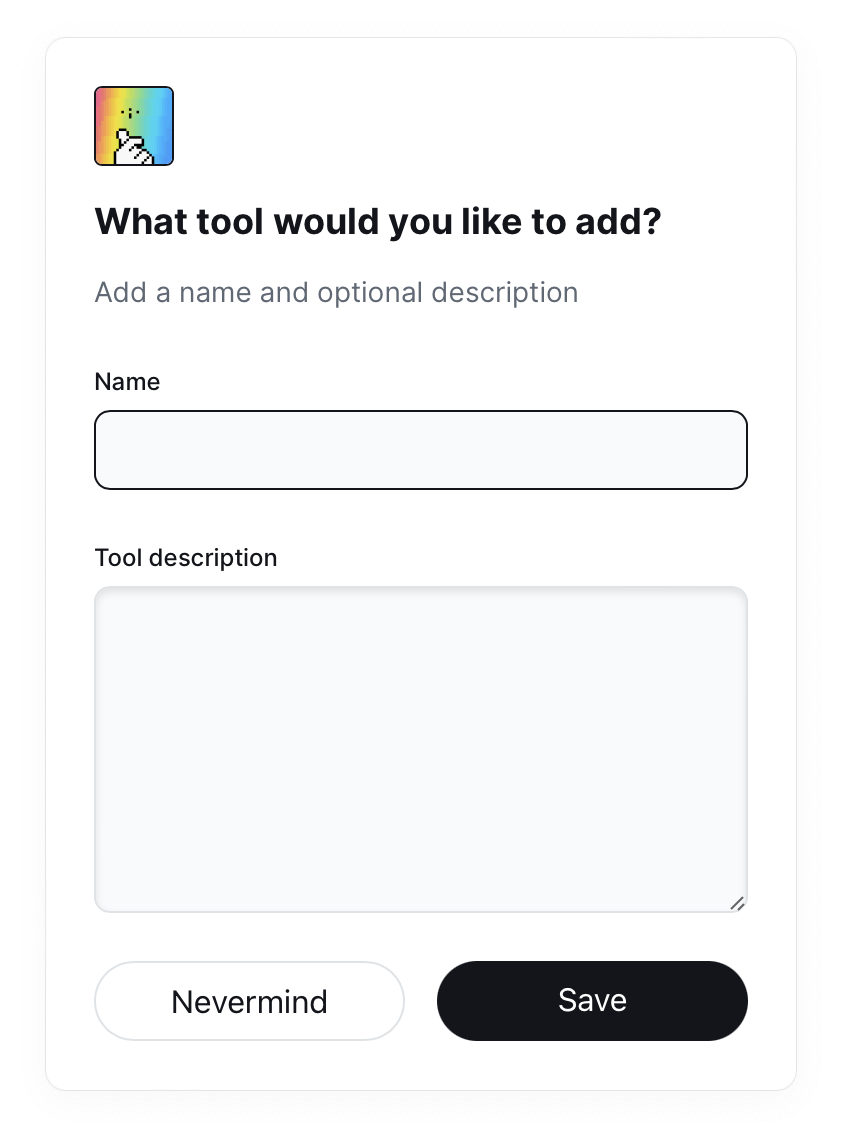 The above macro is not part of Projects/Design Maestro and was prepared for my needs. I have analogous macros for Books, Automation or Mental Models.
Publication of notes
My vault is also a repository Knowledge/Programming/git/git. This means that my notes are stored not only locally on my computer but also in the aforementioned repository.
At the same time vault is placed inside the aforementioned application prepared based on the Quartz project, with the help of which I generate HTML pages and publish them on brain.overment.com with the help of Github Actions automation.
I have shown the process of configuring Quartz in detail in a video available at Projects/Ahoy! Read entry and it is also described in quite a bit of detail on the Quartz project website, with some more modifications of my own that I have applied myself. Some of them I mention in the video and some I am still working on.
Interestingly, the updates happen 100% automatically, because the moment Obsidian closes, the Keyboard Maestro macro is launched and:
- adds changes to the repository
- sends them to a remote repository
- data upload launches Github Actions and thus publishes the notes